<aside> 🔌
Hubfleet Connect lets you securely connect your systems to Hubfleet to automate driver and organisation management.
<aside> 🔗
Key URLs
<aside> 📘
About this guide: All Hubfleet Customer API endpoints are fully documented in Swagger. This page walks through the two things Swagger doesn't cover end-to-end — setting up an APIUser to generate credentials, retrieving an auth token, and a worked example calling the Organisations endpoint. Once you have your token, use Swagger as the reference for every other endpoint.
</aside>
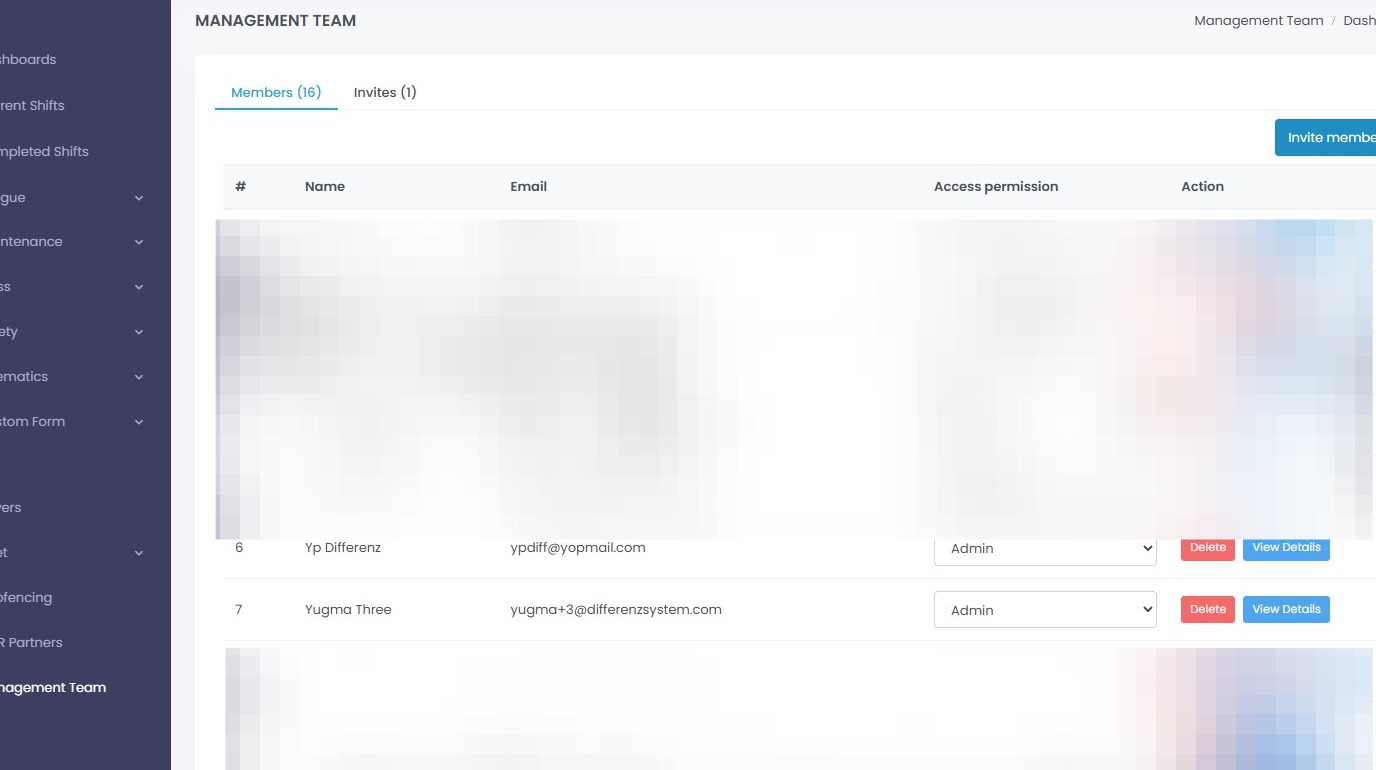
API access is granted to a real Hubfleet user account, not a separate API key. From the Management Team page on the Hubfleet portal, onboard a user in the usual way and assign them the APIUser access permission — their credentials then become the credentials used to authenticate against the API.
<aside> 🔐
How API access works
The APIUser must have a valid email address and be registered with Hubfleet like any other team member.
The APIUser access permission authorises that user's credentials to call the API.
All API permissions are managed from the Management Team page.
If the user is deactivated, they immediately lose API access to that account. </aside>
Go to the Management Team page (see Key URLs above)