<aside>
✅
Custom Forms let you capture any type of data your fleet needs—from safety checks to equipment calibrations—with flexible field types and repeatable sections.
- Capture diverse data: Use text, dates, numbers, dropdowns, radio buttons, images, GPS locations, and asset links
- Build repeating forms: Create header information once, then add multiple repeating entries for tabular data collection
- Link to assets: Connect forms directly to trucks, trailers, and dollies for complete asset records
- Standardize processes: Ensure consistent data collection across your fleet with structured custom forms
</aside>
Overview
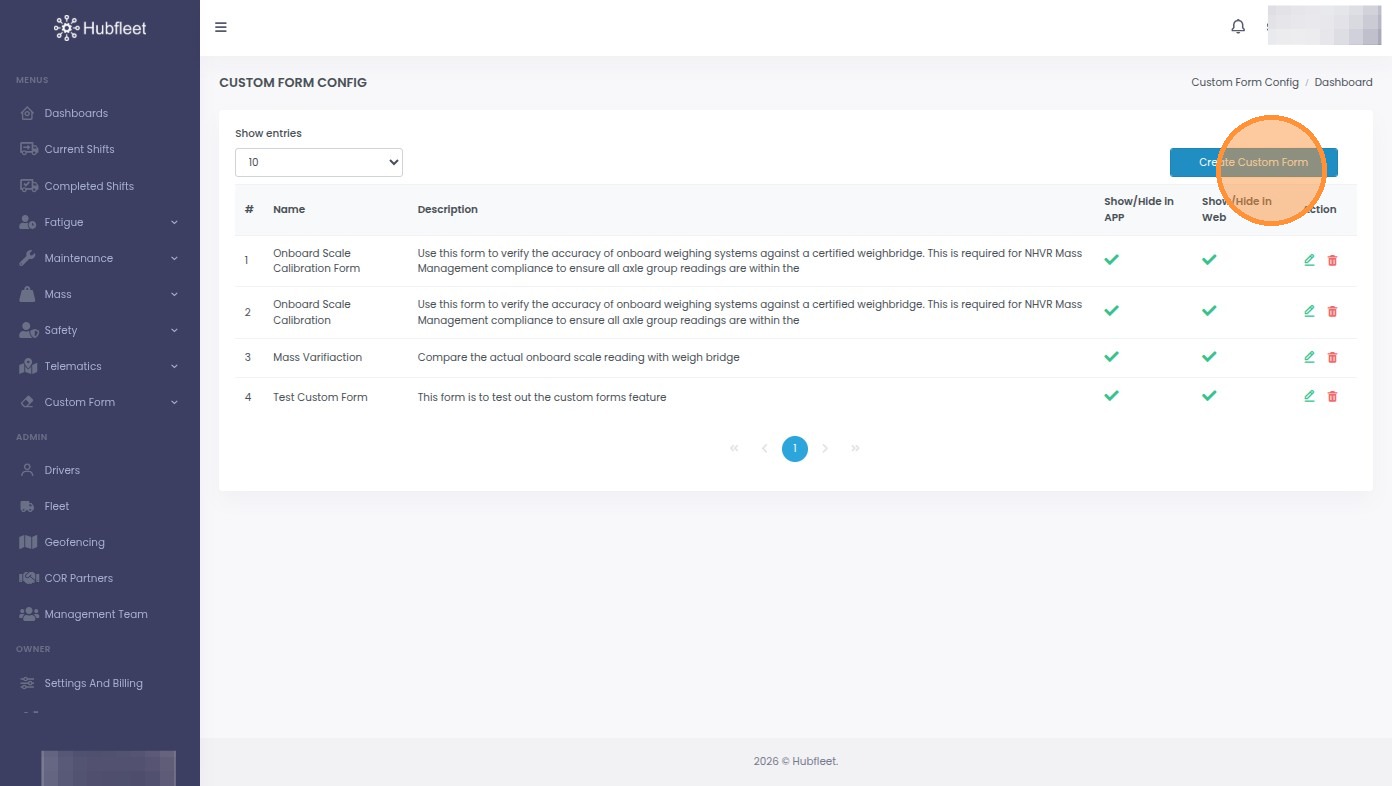
- Create a new custom form
- Add form name, icon, and description
- Add and configure form fields
- Set up combination fields with repeating entries
- Save and publish your form
Create a new custom form
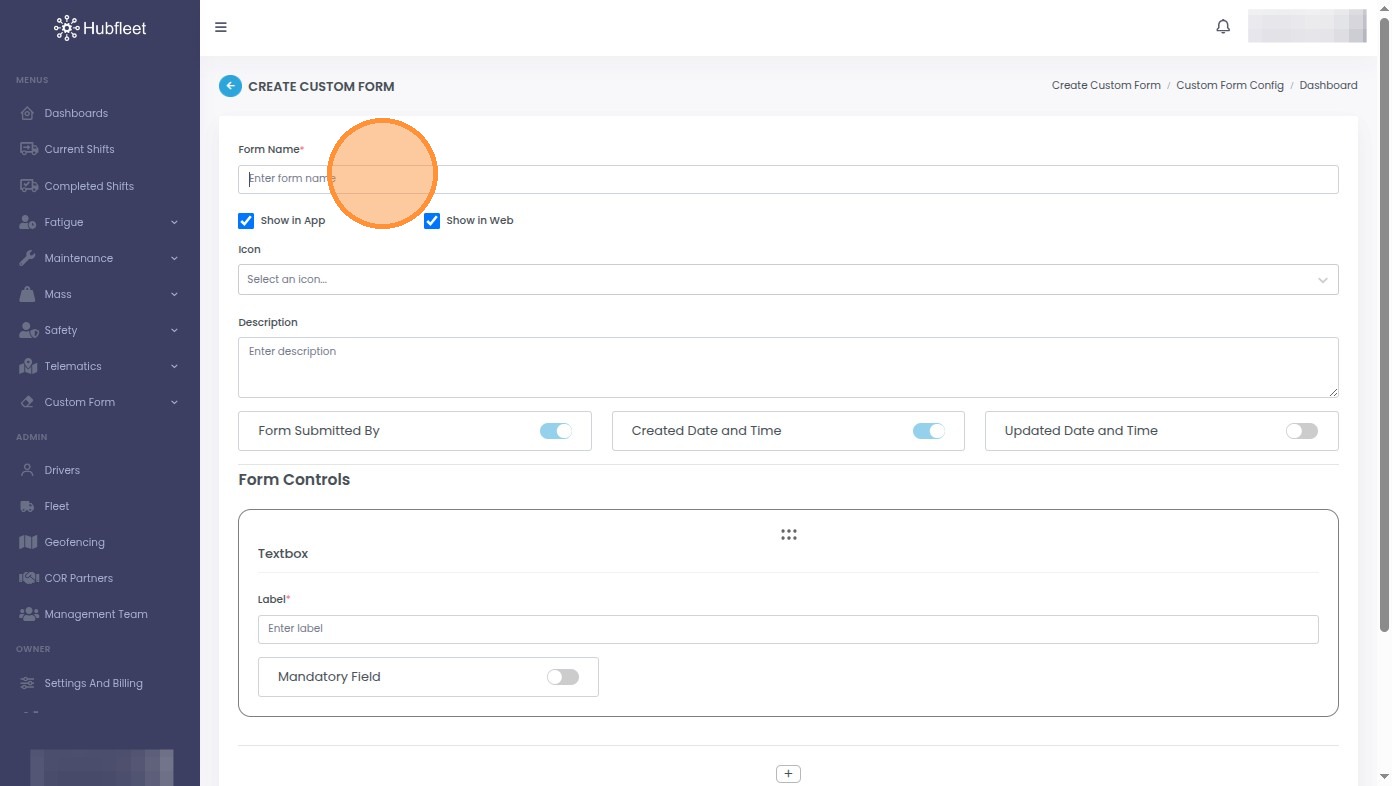
Add form name and basic details
- Click the Enter form name field
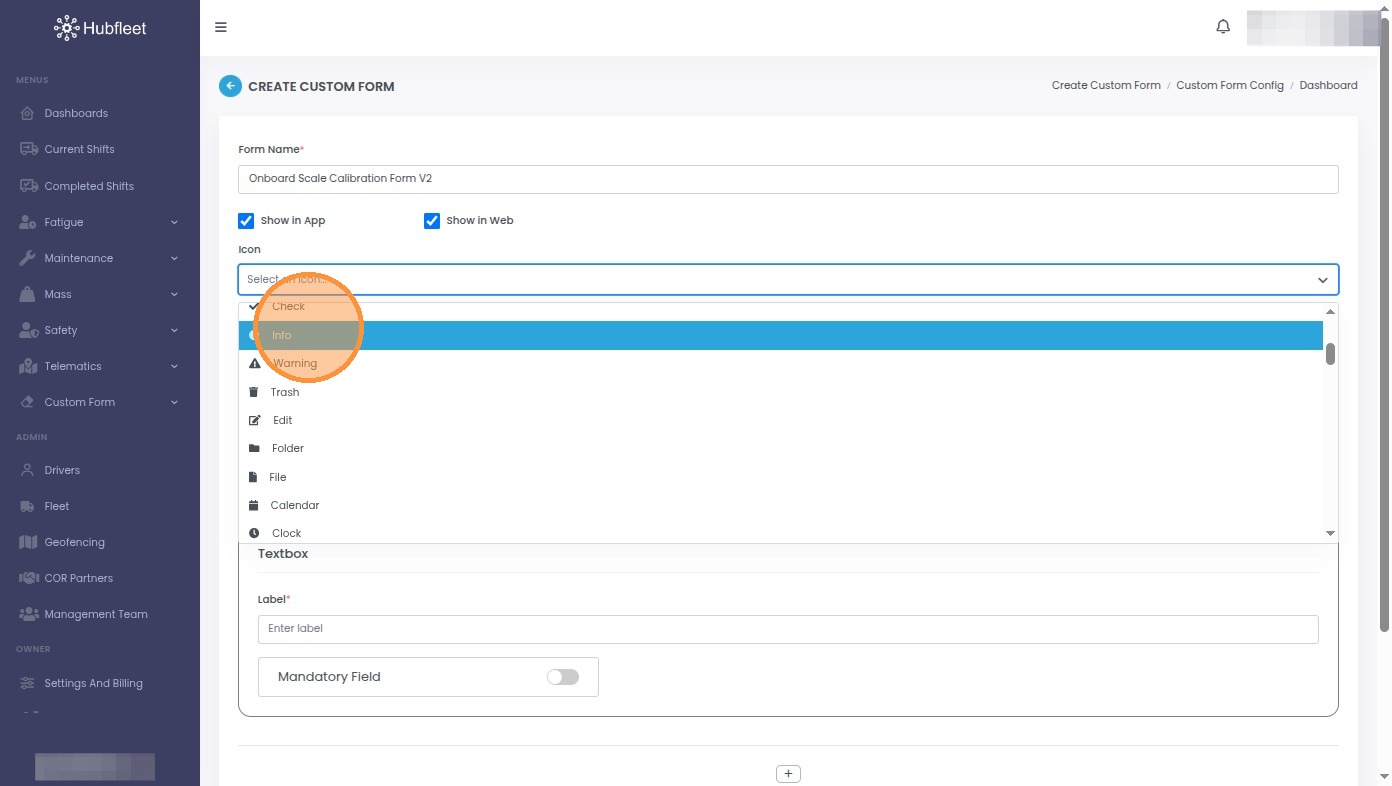
- Click Select an icon that will display with the form...
- Click the Enter description field and add a description for this form