<aside>
⚡
This article covers:
- Reporting a new incident
- Investigating: risk assessment, actions, costs
- Reviewing and closing the incident
</aside>
The incident workflow gives you a single auditable trail from reporting through to close-out — capture, investigate, assign and complete corrective actions, re-rate residual risk and close.
Workflow stages
Each incident progresses through four stages:
- Reported — created and initial details captured
- Under Investigation — investigation in progress, including risk assessment, corrective actions and cost recording
- Under Review — investigation complete, pending final review and sign-off
- Completed — reviewed, closed and archived for audit
Report a new incident
<aside>
👤
Who does this: Anyone with Safety access — typically the on-site supervisor, driver or operations team member who saw or responded to the event.
</aside>
From the dashboard, open Safety › Incidents and click Create Incident.
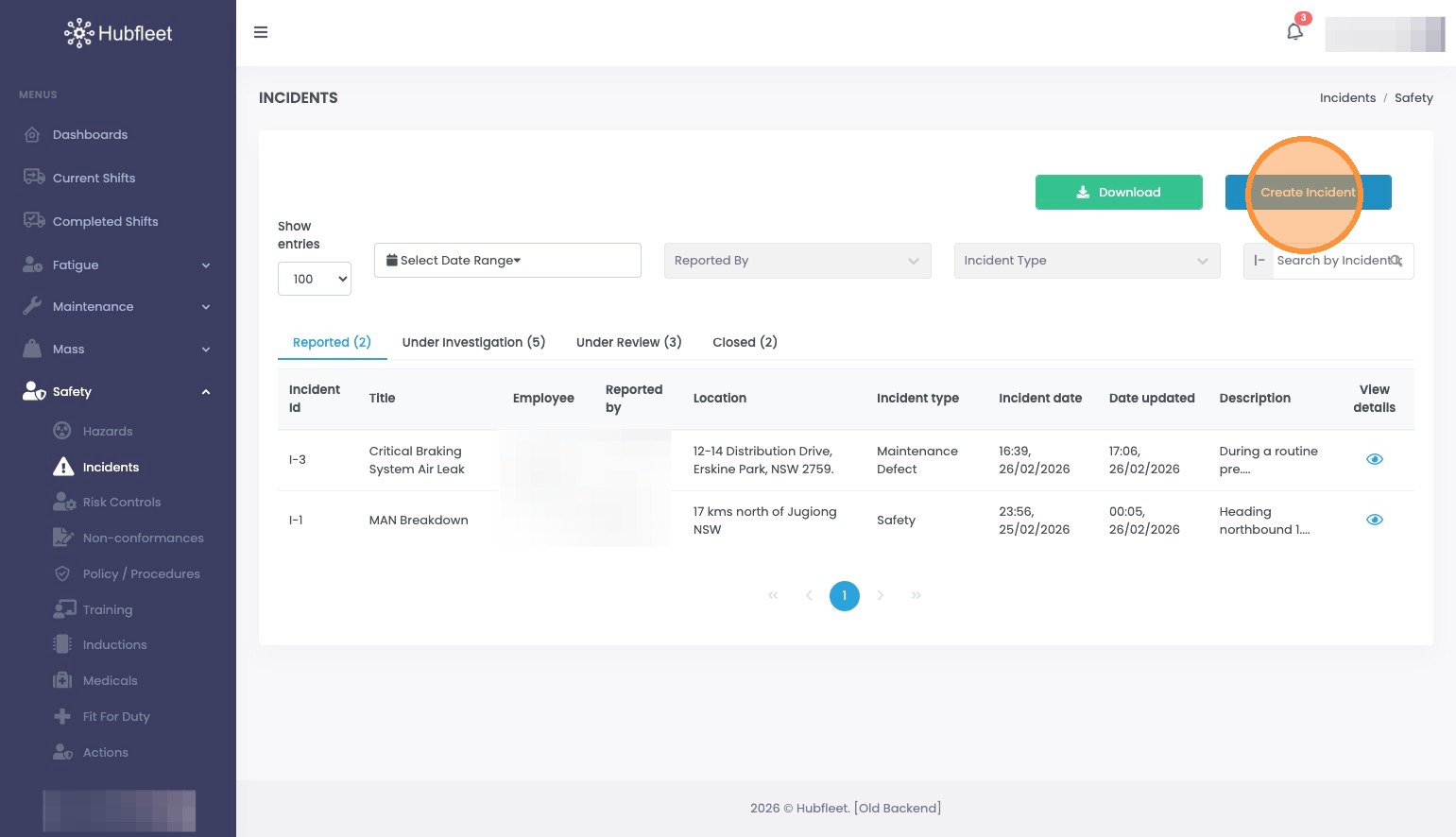
Click Create Incident
Complete the incident form:
- Incident Title — a brief, descriptive name
- Primary Employee Involved — the main employee involved
- Incident Type — the category that best describes the event
- Actual Incident Severity — severity as assessed at the time of reporting
- Weather Condition — weather at the time
- Location Type — type of site (depot, highway, customer site, etc.)