<aside>
✅
Benefits:
- Consolidate your work history - Keep all your driving records and work diary entries in one profile
- Avoid compliance issues - Maintain a single, accurate Unique Driver Identifier (UDI) for NHVR reporting
- Seamless transition - Transfer to your existing profile in minutes with email verification
- Update your contact details - Continue using your current phone number while preserving your driving history
</aside>
Overview
If you create a new Hubfleet profile with the same Unique Driver Identifier (UDI) as an existing account, the system will detect this and guide you through merging your profiles. Your UDI is made up of your birthday, license number, and state of issue.
This guide walks you through:
- Identifying a UDI clash
- Verifying your email address
- Transferring to your existing profile
- Logging in with your new phone number
Prerequisites
- Access to the email address linked to your previous Hubfleet profile
- Your new phone number that you want to use going forward
Identifying a UDI Clash
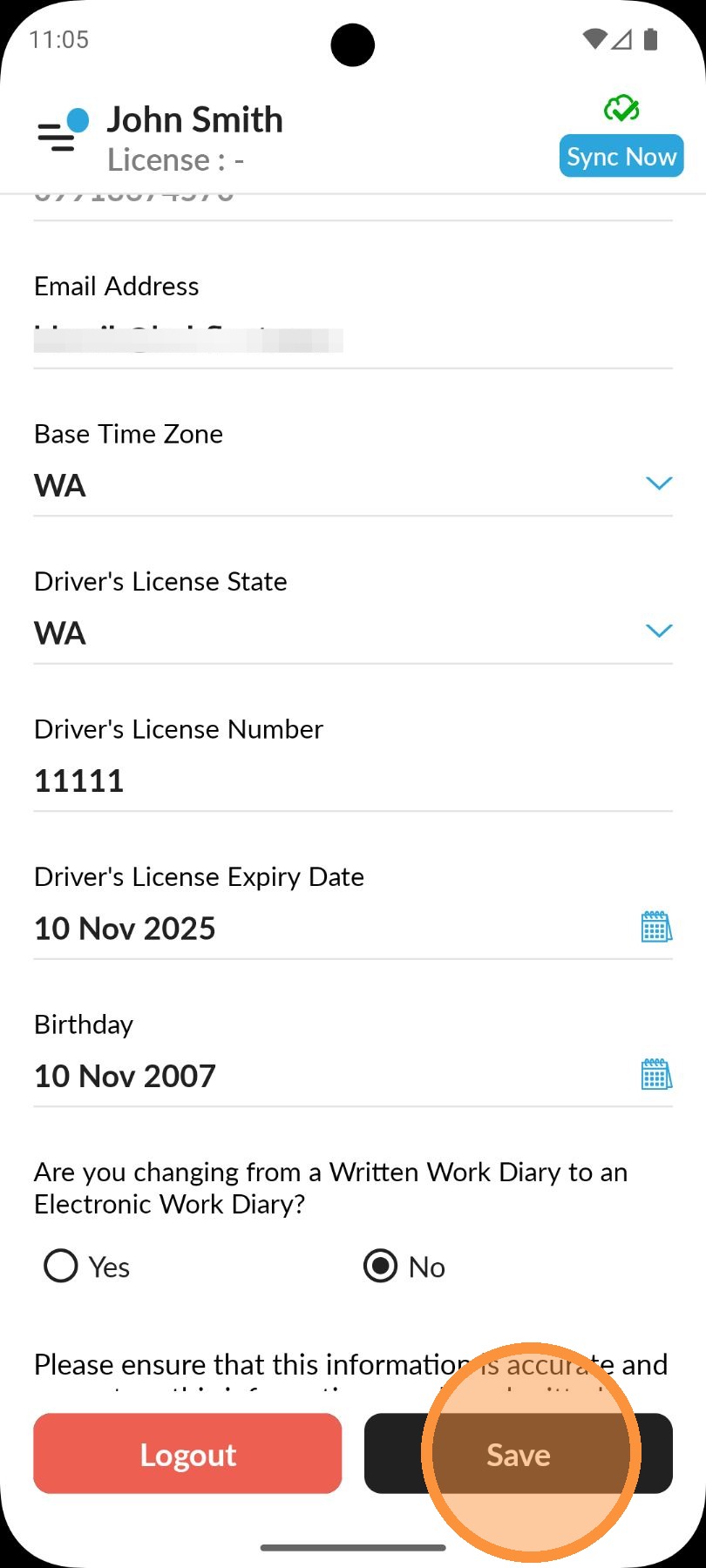
Tap Save after entering your driver details.
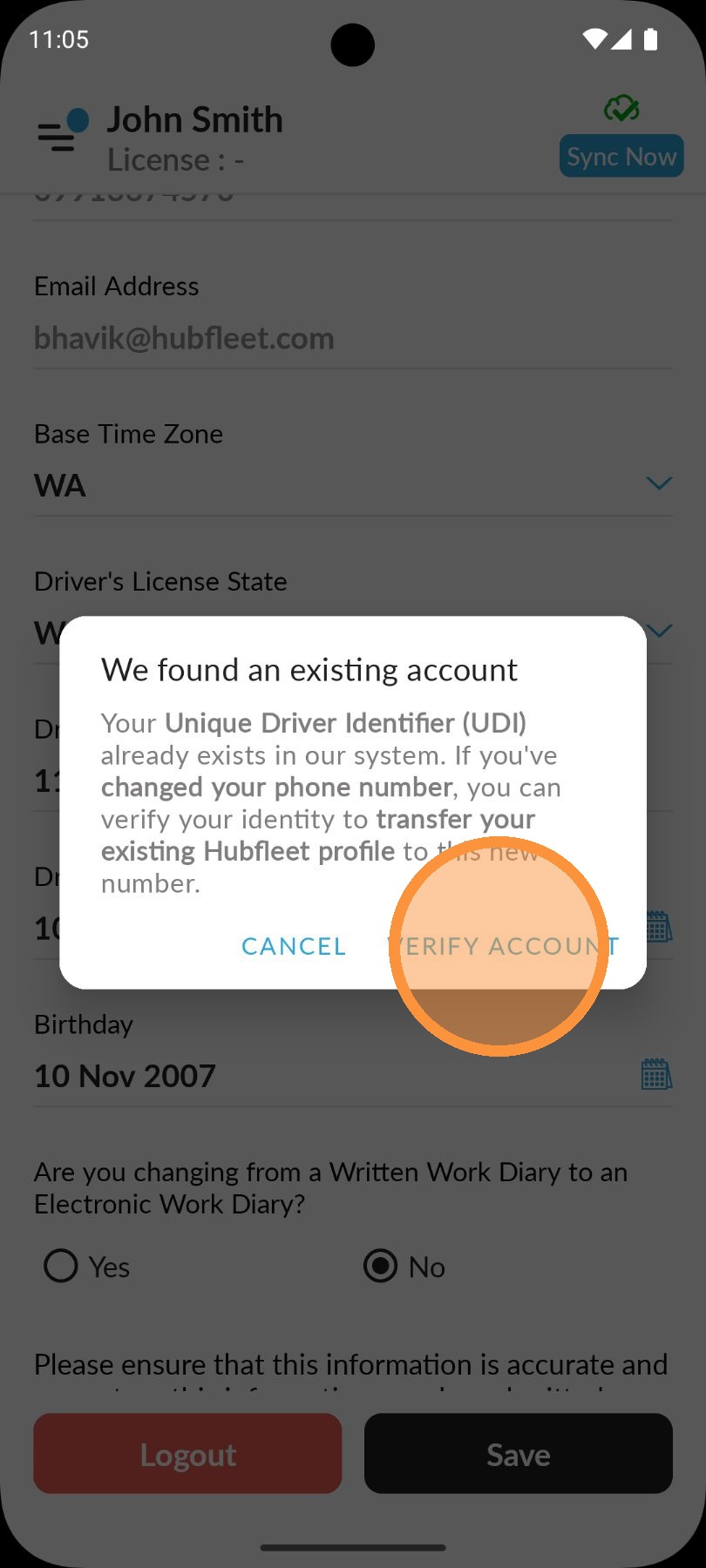
If your UDI matches an existing profile, a popup will appear with an option to transfer your current profile to the existing one. Review the details, then tap Verify Account to proceed.
Verifying Your Email Address