<aside> ⚡
With the Risk Register you can:
The Risk Register is a single, filterable view of every risk-rated item in your operation — hazards, incidents, NCRs and asset faults. It's a read-only consolidation: every action (re-rating, assigning owners, progressing status, adding controls) happens on the parent item, opened from the View Details button on each row.
<aside> 👤
Who does this: Anyone with Safety module access — most useful for Safety Managers and leadership running monthly risk reviews.
</aside>
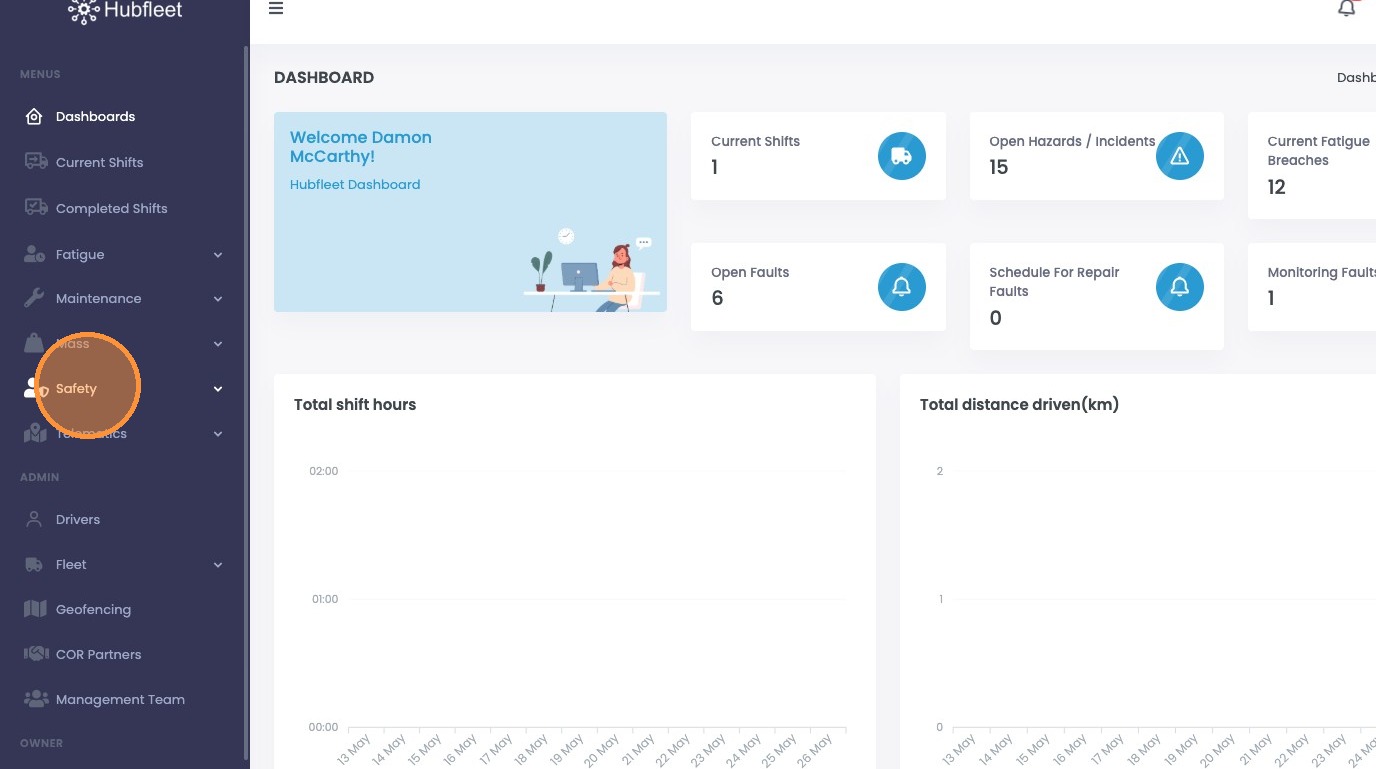
From the dashboard, click Safety.
Click Safety in the sidebar
Click Risk Register.
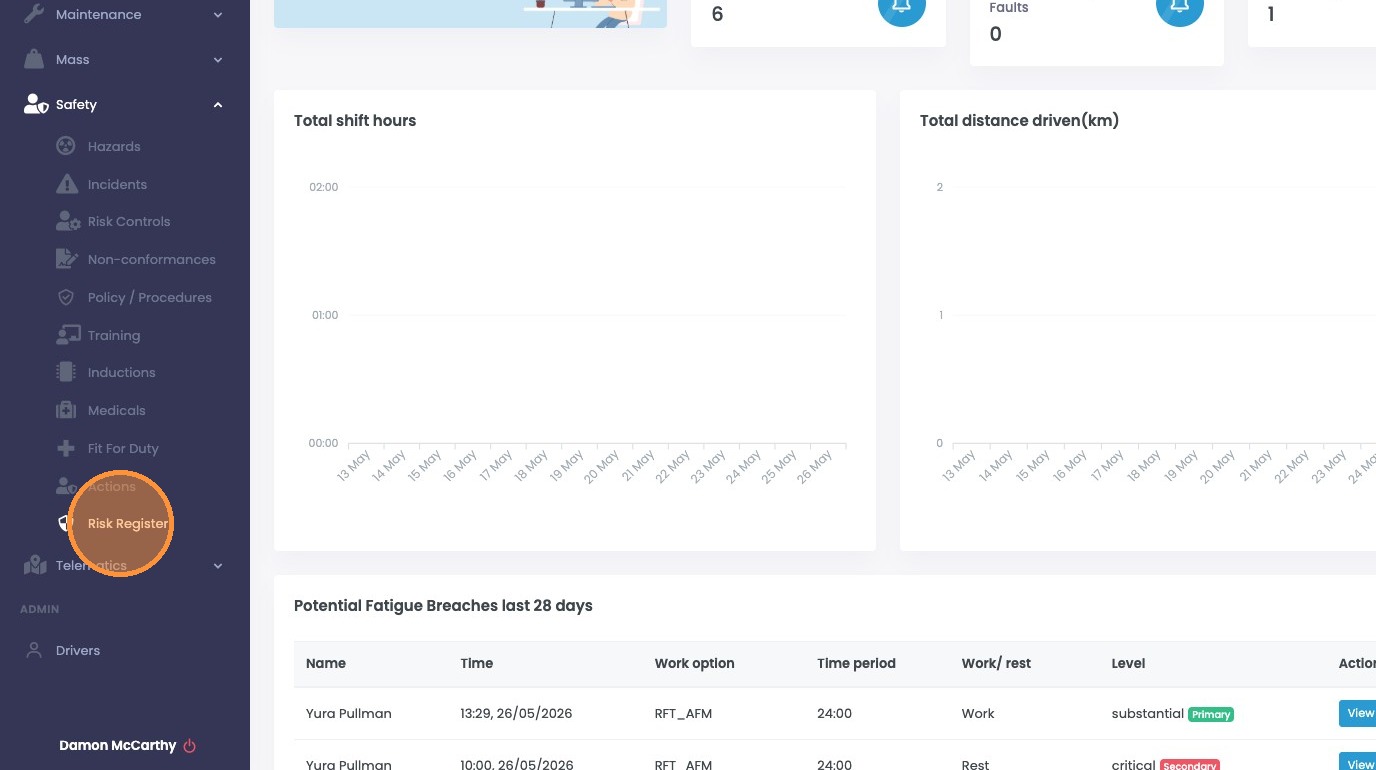
Click Risk Register
Use the filters above the table to narrow what's shown. You can also sort by clicking any column header.
Filter by Date Range.

Filter by Date Range
Filter by Risk Rating (Extreme → Very Low).

Filter by Risk Rating
Filter by Parent Item Type — Hazard, Incident, NCR or Fault.

Filter by Parent Item Type
Filter by Parent Item Status — for example, Under Investigation, Under Review, Completed, Closed.