<aside>
🛠️
Service Task Settings helps teams standardize how service tasks are categorized and captured so data stays clean and reporting is reliable.
- Consistent data: Categories, subcategories, and custom fields keep entries uniform.
- Faster entry: Drag and drop to order fields to match your workflow.
- Safe changes: Edit or hide items without breaking history.
</aside>
Overview
Manage two things here:
- Categories and Subcategories used to organize service tasks
- Custom fields shown on Add and Edit Service Task forms
Prerequisites
- Access to Service Settings in the Hubfleet web portal
- Permission to manage service task configuration
Categories
Go to Service Settings → Service Task Settings
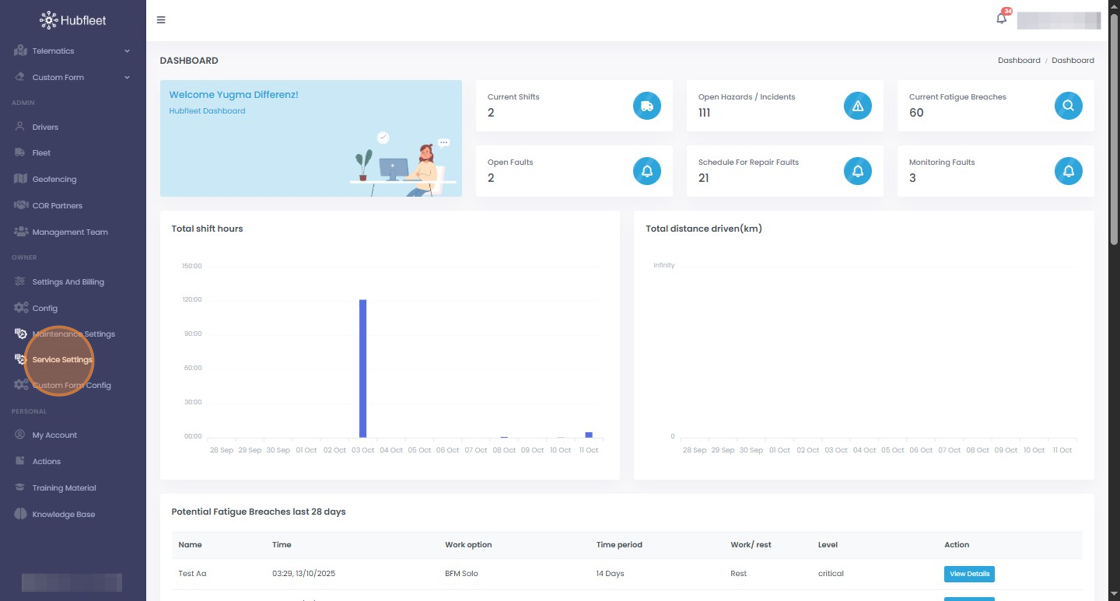
Open the Service Task Settings tab

The Categories sub‑tab lists all categories and subcategories used when creating or editing service tasks

View subcategories
- Click the down arrow next to a category to expand subcategories