<aside> ⚡
With your Safety Org Chart configured you can:
Your Safety Org Chart defines who owns safety across your operation — the Overall Safety Leader, the Safety Category Leaders for each safety area, and your Escalation Contact. Configure this first and every hazard, incident and NCR raised in Hubfleet routes to the right person from day one.
You can assign the same person to multiple roles. In smaller operations it's common for one person to hold every category; larger operations typically spread the load.
Every hazard, incident and NCR raised in Hubfleet is tagged with a Safety Category — Fatigue, Maintenance, Mass and Dimension or Safety. Hubfleet routes the event to that category's leader for ownership and notifies them automatically. If the event's risk score crosses a threshold defined in your escalation rules, it escalates up to your Escalation Contact. Get this layer right and every safety event downstream has a named owner and a named escalation path — no group inboxes, no ambiguity, no triage.
<aside> 👤
Who does this: Safety Manager or Admin (requires Admin permissions).
</aside>
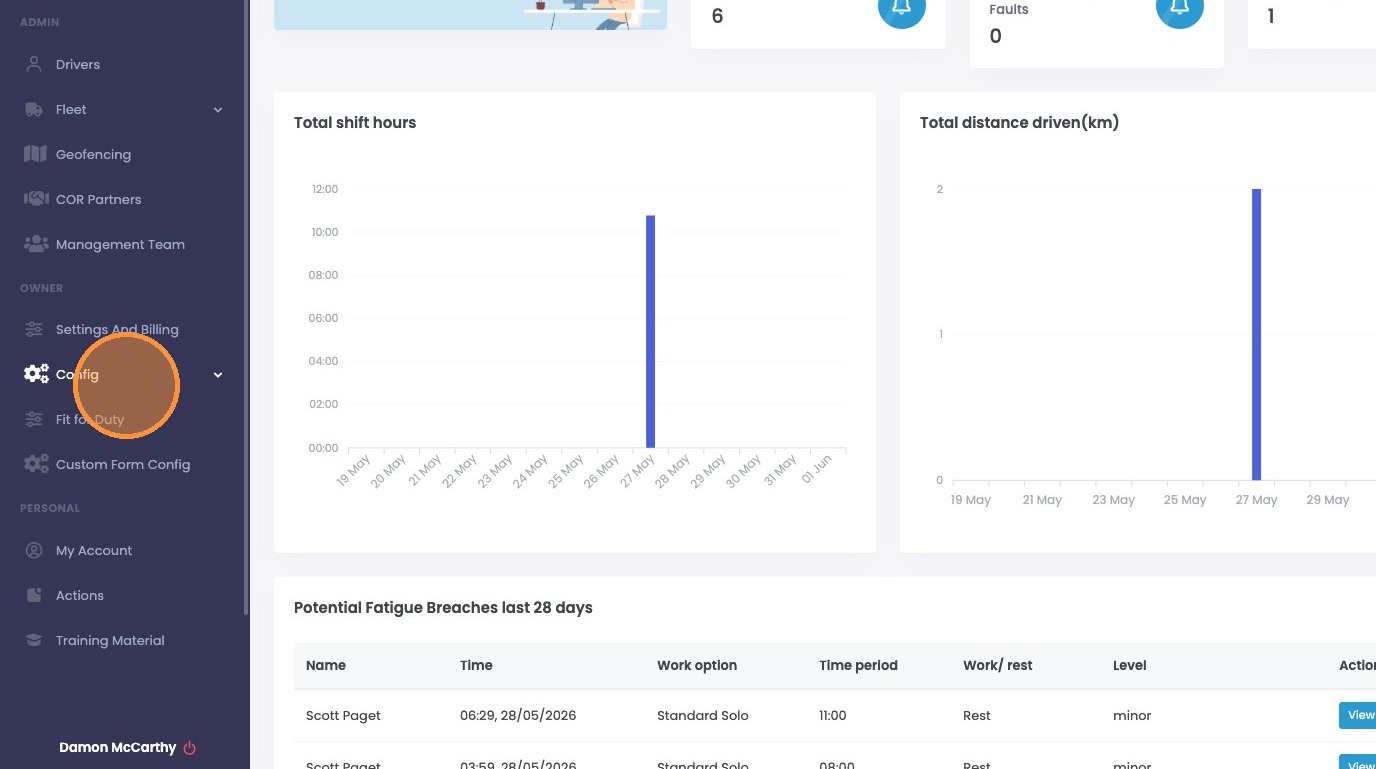
From the dashboard, click Config, then choose Safety Config.
Open Config from the dashboard
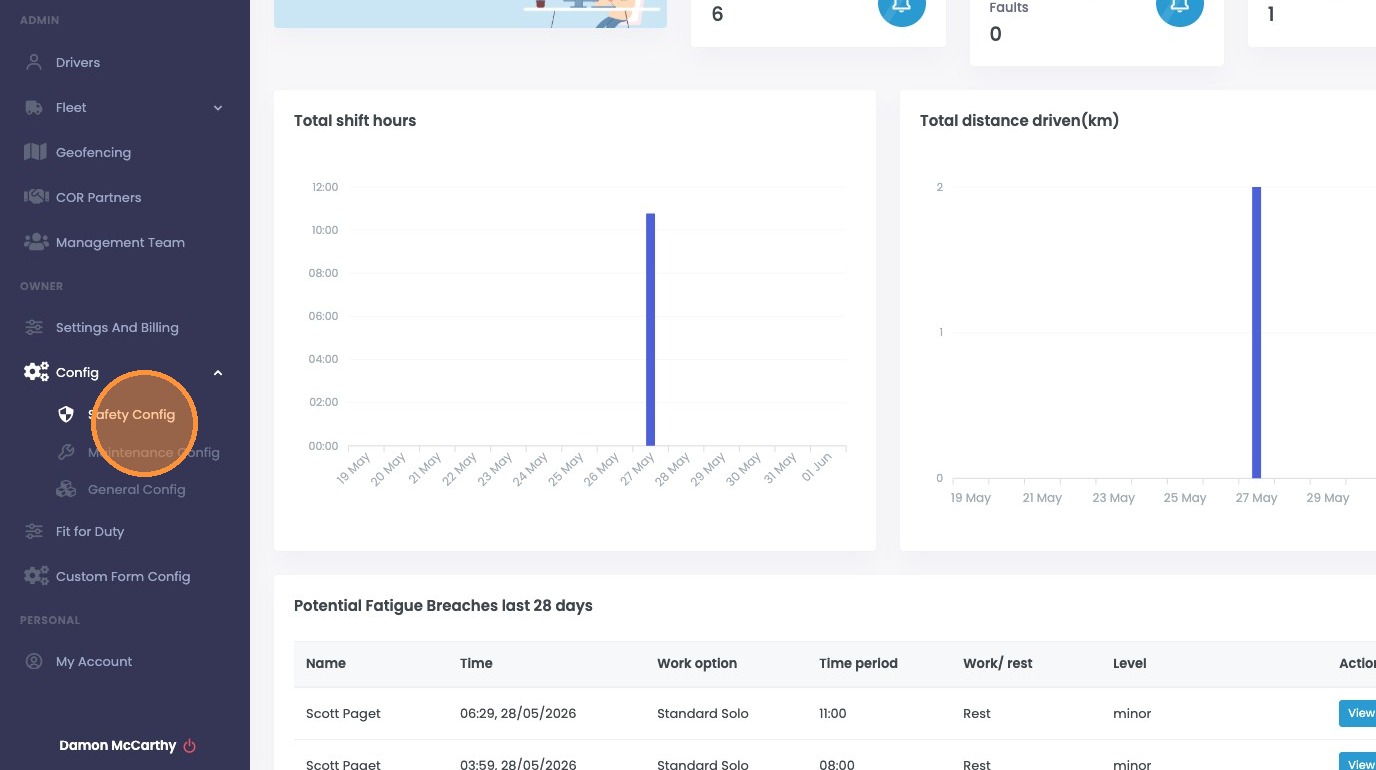
Choose Safety Config