<aside> ⚡
With Hubfleet's roles you can:
A role in Hubfleet is a function in your operation — Heavy Vehicle Operator, Loader, Workshop Supervisor — not a job title. Roles are the single mechanism Hubfleet uses to attach safety requirements to people. Define a role once in General Config → Roles, then reuse it everywhere requirements get assigned: training, policy acknowledgements, escalation responses, and more.
Roles are a foundational concept, not a step in the numbered SMS setup. You'll create them alongside the features that consume them. Once defined, the same role:
<aside> 👤
Who does this: Safety Manager or Admin.
</aside>
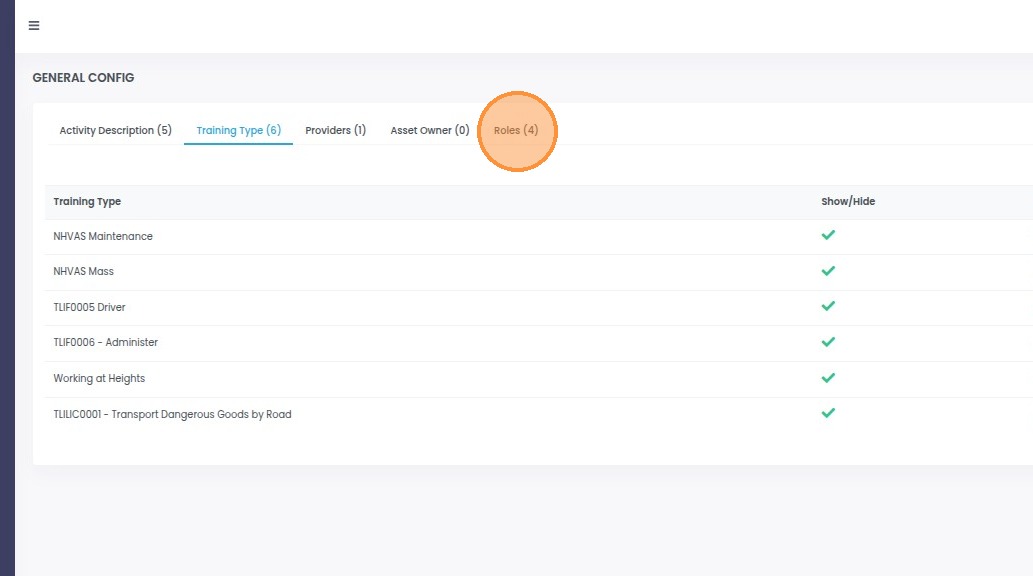
Open General Config in the sidebar, then select the Roles tab and click Add Role. Give the role a clear name and description, attach any training types this role requires, and Save.
Choose the Roles tab
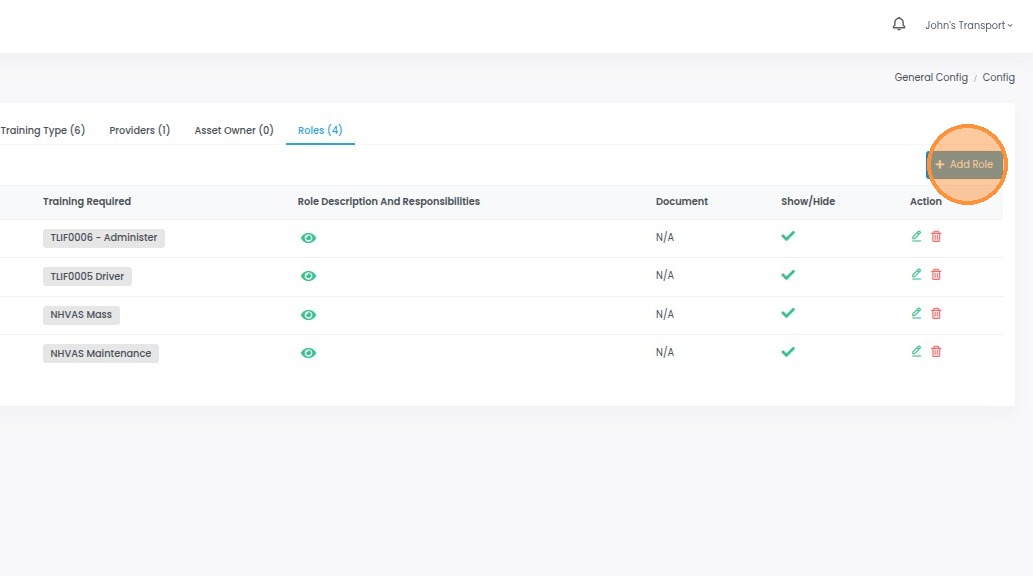
Click Add Role to start a new role